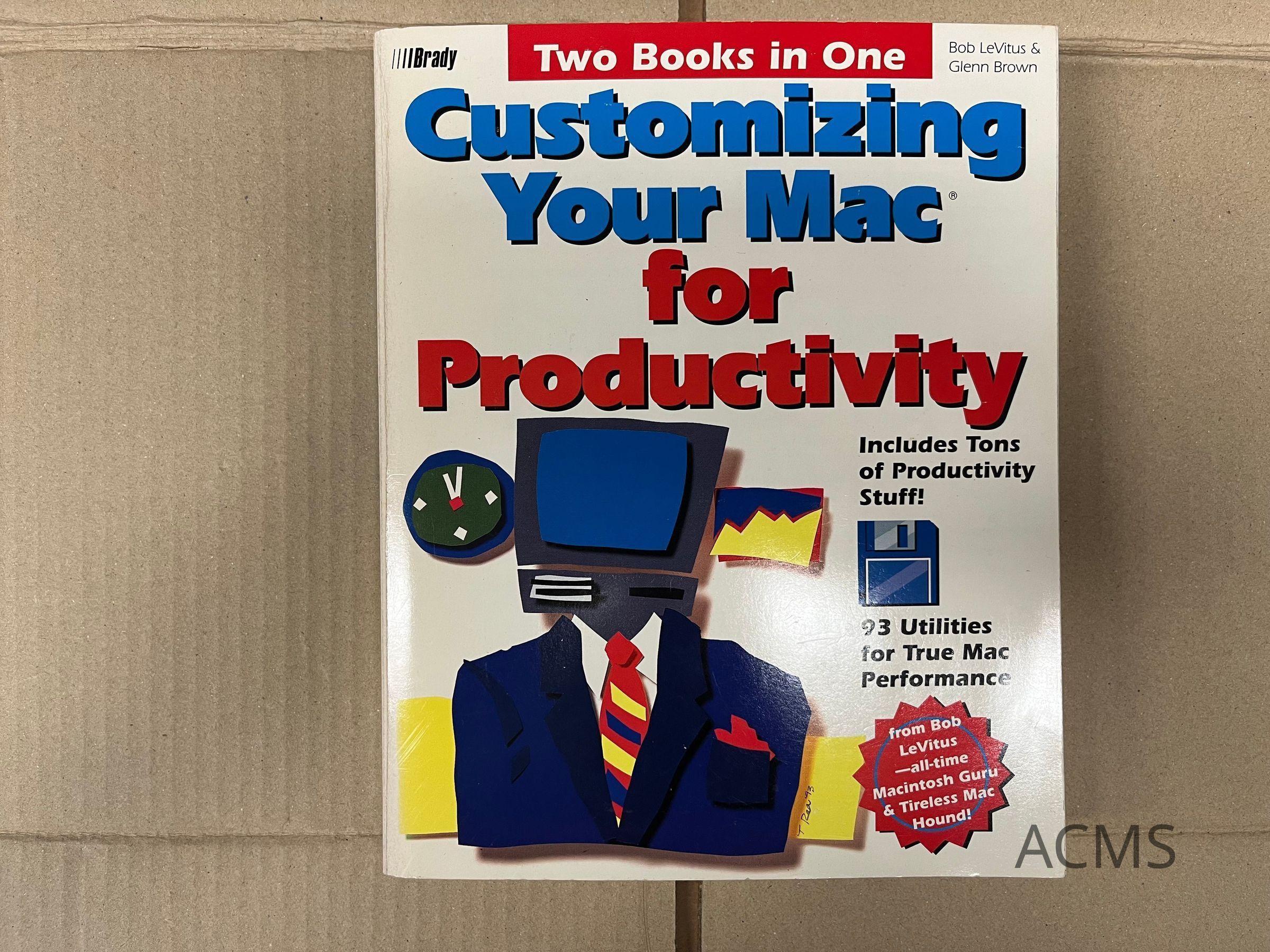
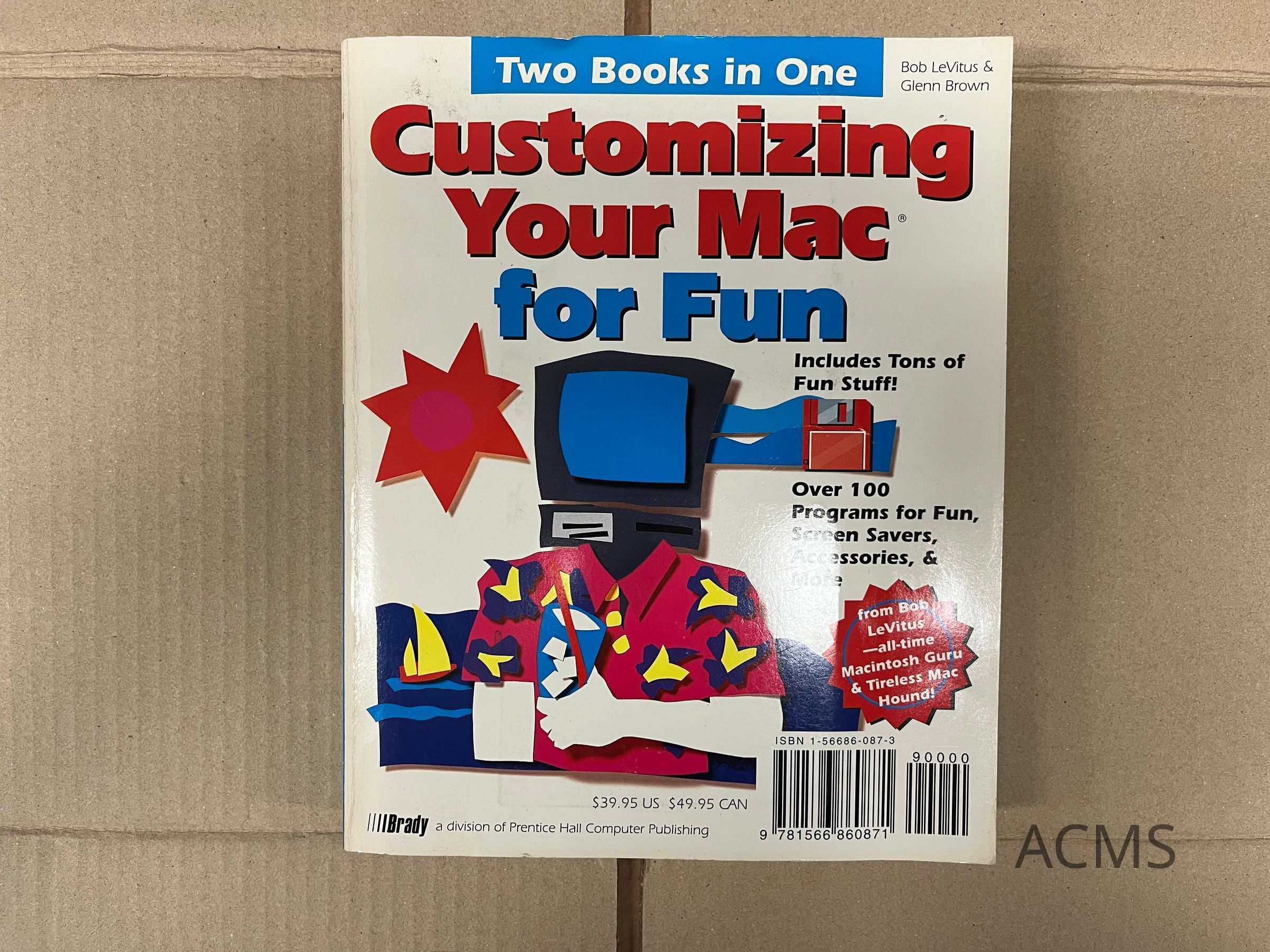
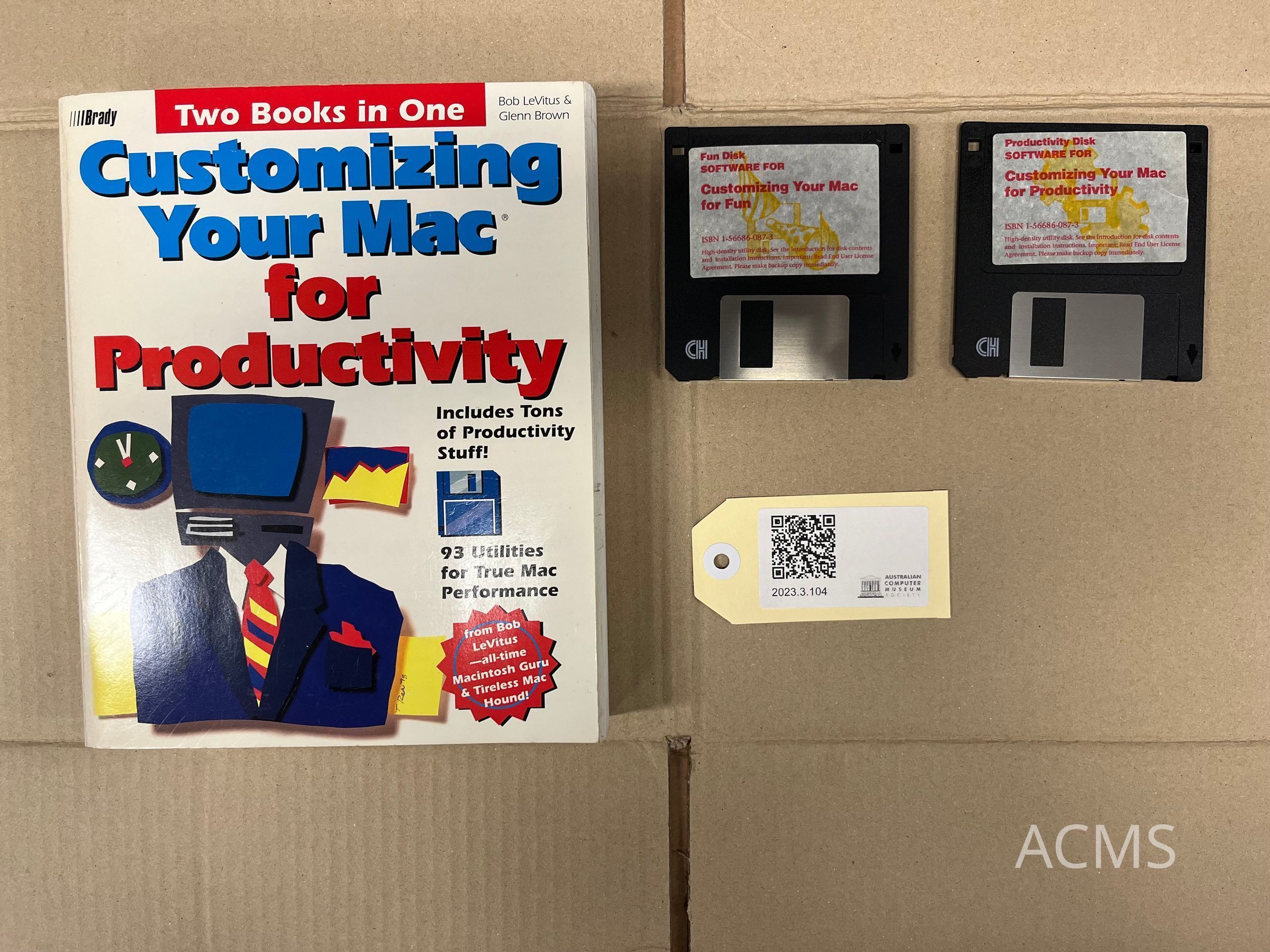
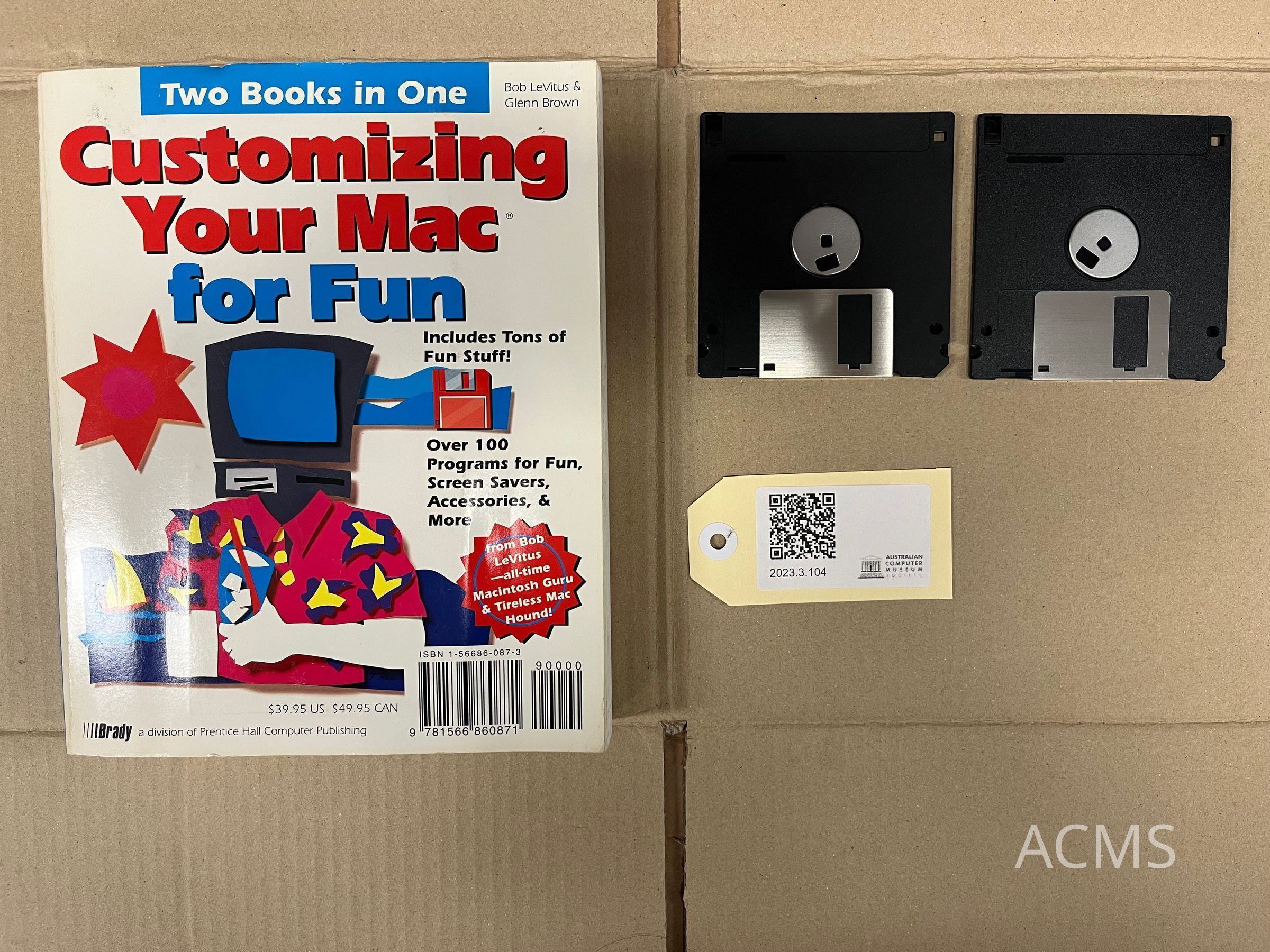
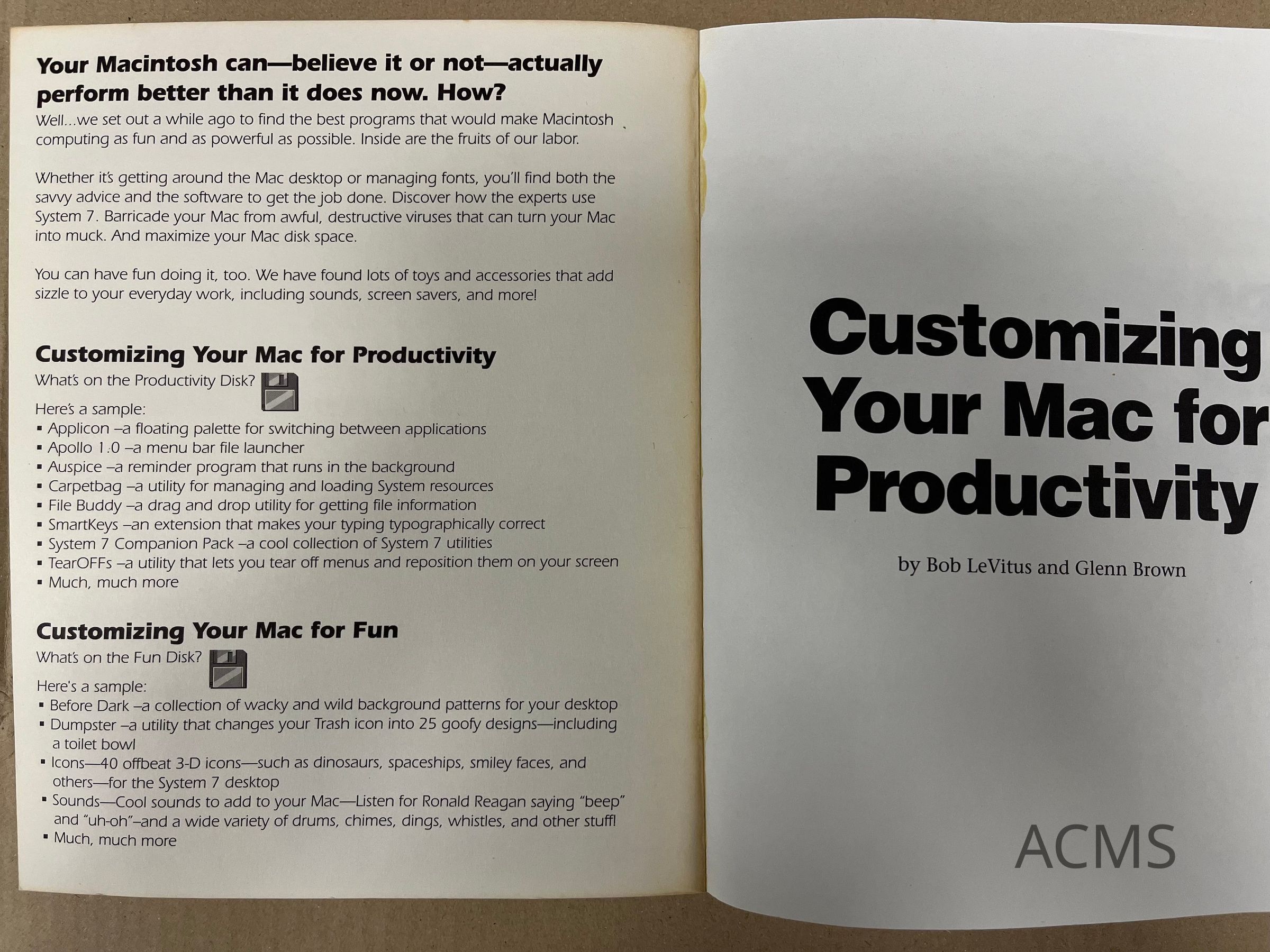
Two Books in One: Customizing Your Mac for Productivity + Customizing Your Mac for Fun
Name/Title
Two Books in One: Customizing Your Mac for Productivity + Customizing Your Mac for FunEntry/Object ID
2023.3.104Description
Two Books in One: Customizing Your Mac for Productivity + Customizing Your Mac for FunCollection
Apple/Macintosh (Platform)Category
3.8.16 Education Software
3.8.0 Software, 3.0 Data Processing Media & Software