Note
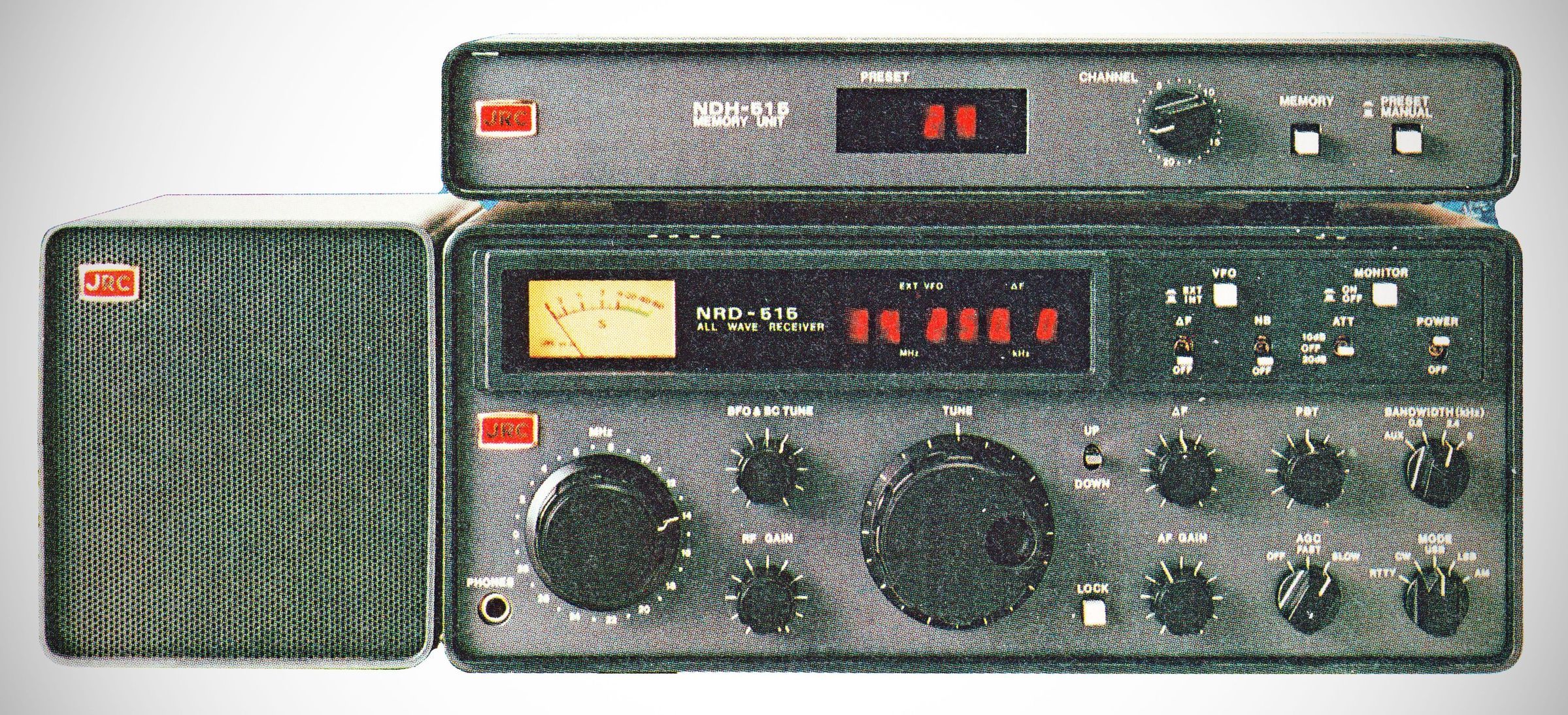
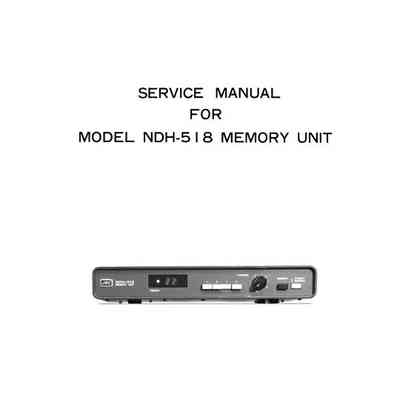
The Japan Radio Company (JRC) NDH-515 and NDH-518 are external memory unit accessories designed exclusively for the JRC NRD-515 HF communications receiver, which was introduced in 1979.
These outboard memory boxes were revolutionary for their time, allowing listeners to save and instantly recall specific frequencies.
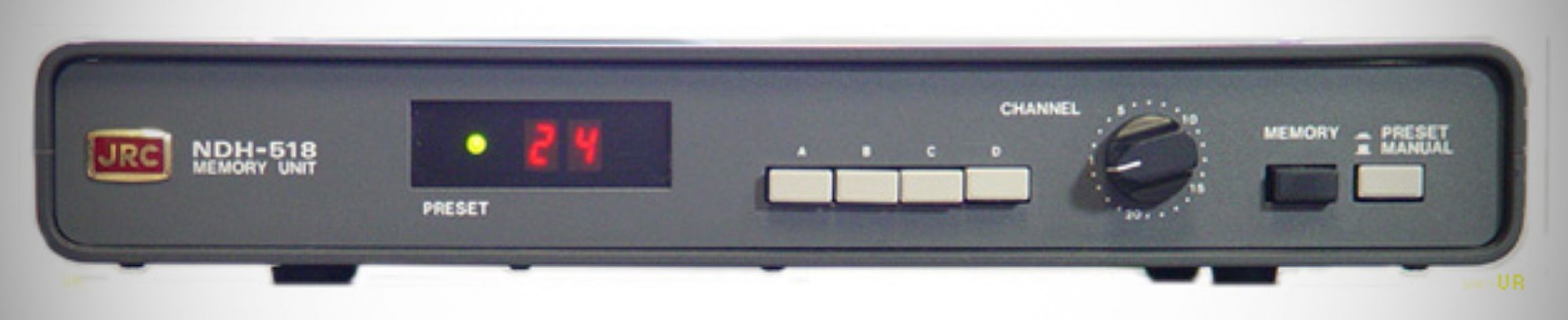
The NDH-515 and 518 memory units are essentially the same, differing only in how many memory channels they provide. The 515 provides 24 memories while the 518 provides 96, in four banks of 24.
Both the NDH-515 and NDH-518 rely on solid-state electronics from the late 1970s/early 1980s:
– Memory Chips: The NDH-518 utilizes six µPD5101LC 1K CMOS static RAM chips (configured as 256 x 4 bit). Because they are CMOS, they require very low power to retain data.
– Data Bus Integration: The frequency data is handled using BCD code via a 22-bit transfer architecture. Three-state logic buffers (IC9 to IC14) handle data swapping between the radio and the memory unit.
– The Display: The unit itself only displays the channel number (01 through 24) on a red 2-digit LED display. When a channel is selected, the stored frequency is piped to the NRD-515's main 6-digit display.
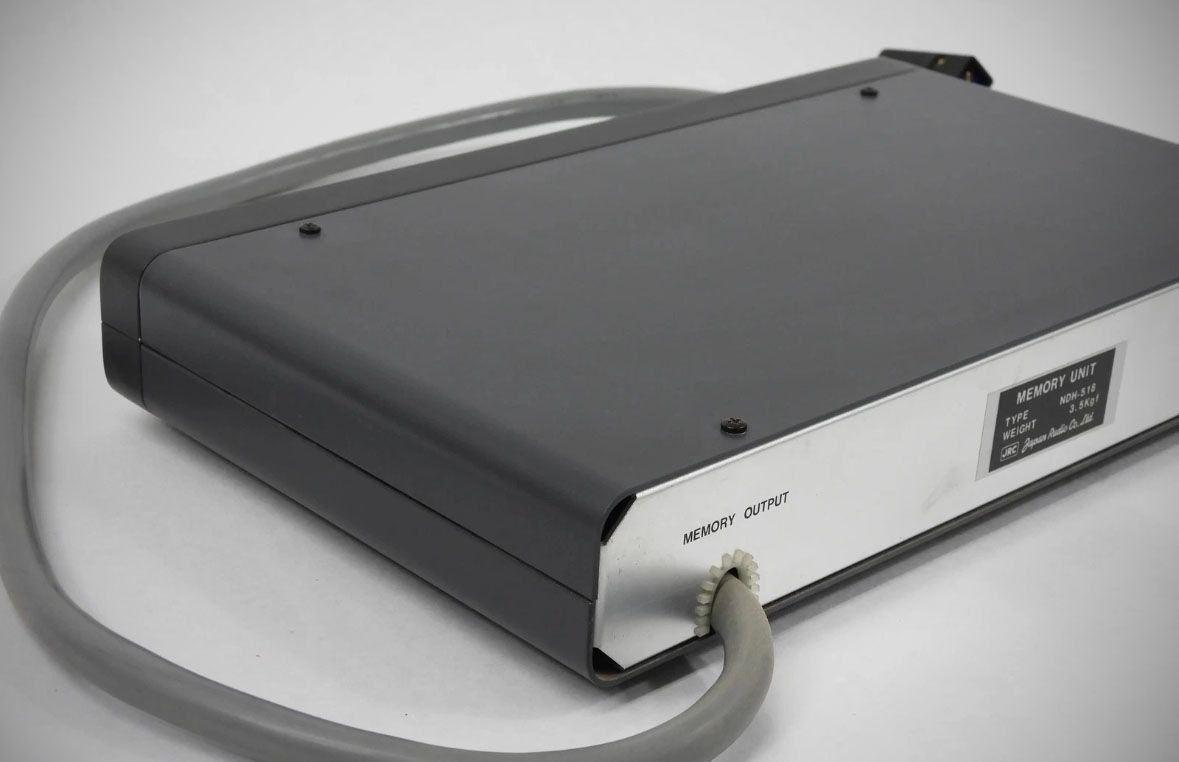
The memory units interface via a dedicated multi-pin umbilical cable that plugs into the MEMORY INPUT port on the rear panel of the NRD-515 receiver. Operating them involves two primary modes controlled by a toggle switch:
– Writing to Memory (Manual Mode)
1. Flip the memory unit's switch to MANUAL.
2. Dial in the desired frequency on the NRD-515 receiver using its main VFO tuning knob.
3. Use the rotary dial (and bank buttons on the 518) on the memory unit to select your target channel number.
4. Press the WRITE button to commit the frequency to the CMOS RAM. Note that only the frequency is stored, not the mode.
– Recalling Frequencies (Preset Mode)
1. Flip the switch to PRESET (a green LED illuminates to confirm the mode).
2. As you turn the 24-position rotary knob, the NRD-515 instantly jumps to the saved frequency, displaying it on the radio's front panel.
The Battery Backup
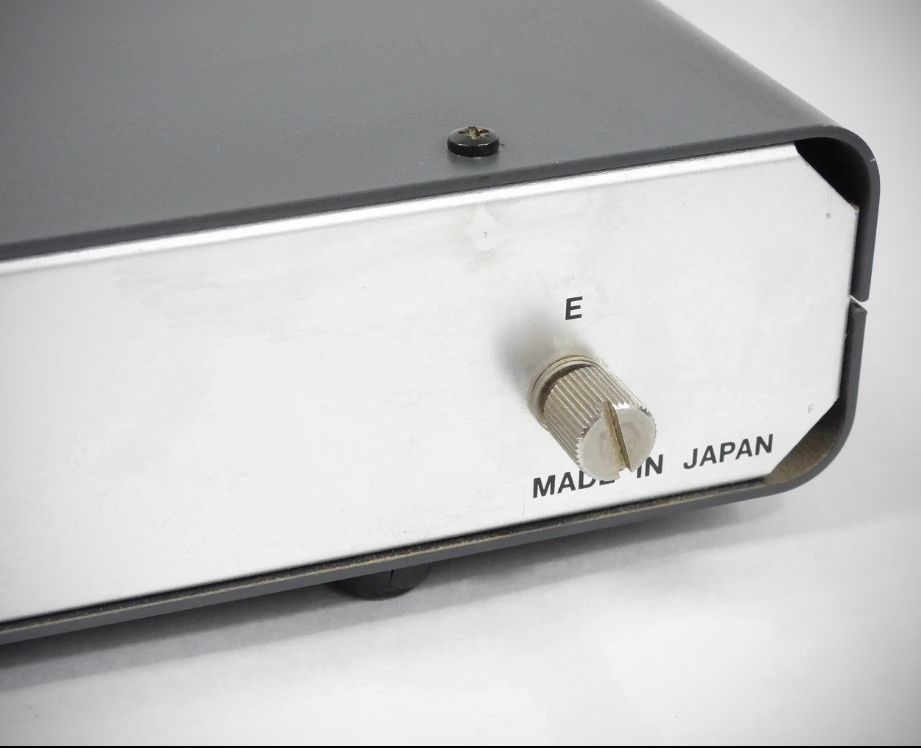
Because the memory units utilize volatile static RAM, all stored frequencies are instantly wiped out if the receiver is turned off unless backup batteries are installed.
Battery Requirement: Both units require internal AA alkaline batteries (the NDH-518 requires 4 cells) housed under the top cover.