Note
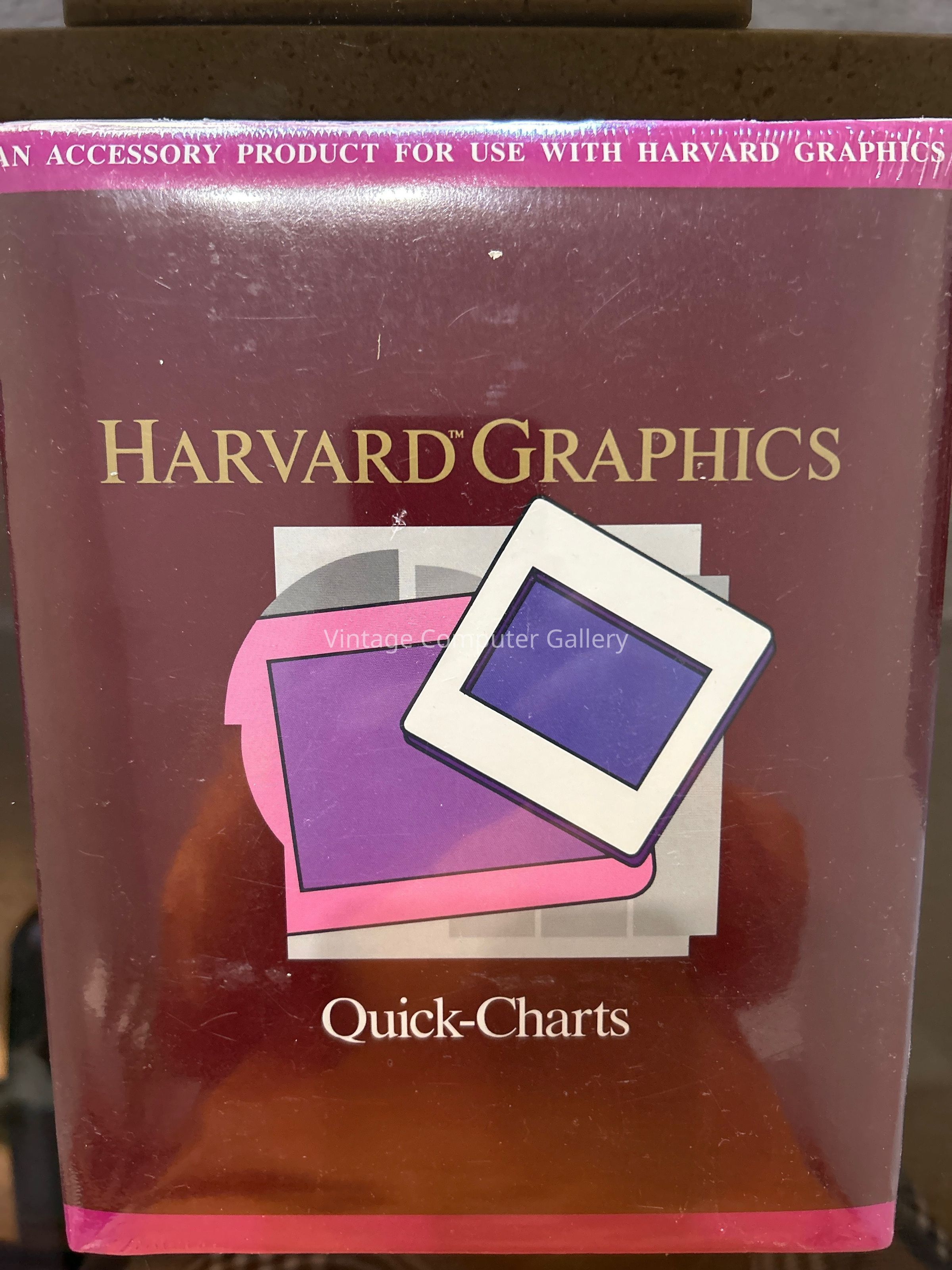
QuickCharts capitalized on Harvard Graphics 2.0's popularity (which held ~70% market share in presentation software by the late 1980s) by offering a "lite" mode for everyday tasks, reducing the learning curve for non-expert users. It was part of SPC's strategy to extend the Harvard Graphics ecosystem with modular tools, much like their pfs: series add-ons.
Release History
Release Date: Late 1987 to early 1988, shortly after Harvard Graphics 2.0's launch, to coincide with the growing demand for DOS-compatible business tools.
Developer: Software Publishing Corporation (SPC), the same team behind Harvard Graphics (key developers included Mario Chaves and Carl Hu for the core engine).
Platforms: MS-DOS 3.1+, optimized for IBM PC compatibles and clones. It required Harvard Graphics 2.0 as a prerequisite for full integration.
Distribution: Sold as a standalone accessory via floppy disk sets (typically 3–5 disks) for $49–$79, often bundled in SPC's "Harvard Graphics Gallery" packages or sold through retailers like ComputerLand. It was not a core upgrade but an optional enhancement, with limited updates (e.g., a 2.1-compatible patch in 1989).
End of Life: Discontinued around 1991 with the shift to Harvard Graphics 3.0 and Windows ports, as SPC focused on integrated features rather than separate accessories.
This timing aligned with the DOS boom, when tools like Lotus 1-2-3 dominated spreadsheets, and QuickCharts provided a fast way to visualize their output.
Key Features
QuickCharts emphasized speed and simplicity, allowing users to generate charts in under a minute by leveraging Harvard Graphics 2.0's vector graphics engine. It was not a full standalone app but loaded as an extension within Harvard Graphics, adding dedicated "quick mode" menus and templates.
Core capabilities included:
One-Step Chart Creation: Import data from Lotus 1-2-3, dBase, or ASCII files, then auto-generate charts with minimal input (e.g., select type, labels, and scale).
Chart Types: Focused on essentials like bar/column, pie, line, and area charts; supported basic 3D effects and color patterns for EGA/VGA displays.
Customization Shortcuts: Quick-access tools for labels, legends, titles, and scaling; included pre-built templates for common business scenarios (e.g., sales comparisons, budget pies).
Integration: Seamless export back to Harvard Graphics 2.0 for slide incorporation, or standalone output to printers/plotters in EPS or CGM formats.
Data Tools: Built-in data entry grid for small datasets (up to 100 rows), with simple sorting and filtering—no advanced stats, but enough for quick reports.
Output Options: High-res print support for dot-matrix/laser printers; compatibility with slide makers like Genigraphics for overheads.